Top 10 Columbiana County Property Record Mistakes & Fixes

Property record errors in Columbiana County, Ohio can cause tax issues, misvaluations, and complications when selling, refinancing, or dealing with legal/title matters. By understanding the most frequent mistakes and knowing exactly how to correct them through official county offices you can protect your property and avoid future headaches.
1. Incorrect Property Square Footage or Structure Size
What This Mistake Means
If the record shows wrong square footage (e.g. after an addition, basement finishing, or remodeling), your property may be overvalued or undervalued. That affects property tax, resale value, and can cause problems during refinancing.
Why It Happens in Columbiana County
Records are based on past inspections, original plans, or outdated data. Remodels or additions may not have been submitted properly to the Auditor or Recorder.
How to Fix It
- Hire a licensed appraiser or contractor to re-measure the property accurately.
- Gather evidence: new floor plans, photos, inspection reports.
- Contact the Columbiana County Auditor’s Office (see contact below) and submit a request for correction with the documentation.
- The Auditor may schedule a re-inspection. Once approved, the updated square footage will be reflected which can correct tax assessments and valuations.
2. Wrong or Outdated Owner Name on Record
What This Mistake Means
If the owner name is incorrect for example, after a sale, inheritance, or probate you may not receive tax notices, there may be title issues, or legal problems when selling the property.
Why It Happens
Sometimes deeds or transfers are not correctly recorded; clerical errors may occur; or after probate or inheritance, paperwork may be incomplete.
How to Fix It
- Obtain a stamped and recorded copy of the deed, or probate/executor paperwork, showing the correct owner name.
- Submit that document to the Columbiana County Recorder’s Office (for deed/ownership transfers) and notify the Auditor’s Office to update tax records.
- Once recorded, both ownership and tax records will reflect the correct name.
3. Unrecorded or Unreported Home Improvements / Renovations
What This Mistake Means
If you made renovations, additions, or modifications (e.g. converted basement, added garage, built a deck) but never updated county records the property may be undervalued (or misvalued), and tax and insurance records may be inaccurate.
Why It Happens
Homeowners sometimes skip permit or record updates; contractors may forget; or records simply weren’t submitted after changes.
How to Fix It
- Collect renovation permits (if any), contractor invoices, before/after photos, and any structural plans.
- Submit this documentation to the Auditor’s Office along with a written request to update the property record (improvements list).
- The Auditor may verify with a re-inspection; after approval, the property record will reflect the true current condition/structure.
4. Incorrect Land Use / Classification (e.g. Residential vs Commercial vs Agricultural)
What This Mistake Means
If land is mistakenly classified (e.g. commercial instead of residential, or wrong zoning/usage type), you might pay incorrect taxes or miss out on benefits (e.g. agricultural exemptions).
Why It Happens
Land-use classification may change, or past records may have errors; land subdivision, rezoning, or changes in use may not have been updated.
How to Fix It
- Review your current classification via the Auditor’s online property search
- If classification seems incorrect, compile supporting documents (e.g. zoning certificates, land use declarations, surveys).
- Submit a formal request to the Auditor’s Office asking for a land-use review or re classification.
- If needed, coordinate with local township or municipal zoning office especially for township or village properties.
5. Wrong Number of Bedrooms / Bathrooms or Dwelling Features
What This Mistake Means
If the record shows incorrect number of bedrooms, bathrooms, or dwelling features (finished basement, attic rooms, etc.) property valuations (and thus taxes) may be wrong; also, there can be complications when selling or refinancing.
Why It Happens
Often due to outdated data, missing updates after renovations, or manual data entry errors.
How to Fix It
- Get a certified home inspection or update appraisal showing actual count/features. Take photos, floor plans, and documentation.
- Submit evidence to the Auditor’s Office, request correction.
- Auditor may review or schedule inspection once verified, records will be updated to show correct features.
6. Incorrect Property Boundaries or Parcel Size
What This Mistake Means
Wrong boundary or parcel size affects land value, usable land area, and could cause boundary disputes, mis-taxation, or problems during sale or development.
Why It Happens
Old surveys, outdated GIS data, subdivisions, or errors when entering records.
How to Fix It
- Hire a licensed surveyor to perform a current land survey.
- Obtain certified survey documents (legal description, updated plat map).
- Submit survey and previous records to the Auditor’s GIS department and/or Recorder’s Office.
- Request boundary correction — once validated, the official records will reflect the correct parcel size/boundaries.
7. Missing Tax Exemptions, Credits, or Homestead Exemptions
What This Mistake Means
If eligible exemptions or credits (e.g. senior or homestead exemptions) aren’t applied, you might end up paying more taxes than legally required.
Why It Happens
Exemptions may not have been filed properly after a change in ownership, age, status — or homeowners may be unaware of eligibility.
How to Fix It
- Contact the Auditor’s Office to check if exemptions or credits are applied to your parcel.
- If missing and eligible, fill out the correct exemption application form (homestead or other) and submit proof (residency, age, etc.).
- Once approved, exemptions will apply on your next tax bill.
8. Incorrect Condition or Improvement Rating (Property Condition Rating)
What This Mistake Means
If the recorded condition of your property (e.g. “excellent,” “good,” “fair”) is higher or lower than reality tax assessments or valuations may be off, and buyers/insurers may misjudge property value or risk.
Why It Happens
Condition ratings might be outdated, based on old inspections, or last updated many years ago.
How to Fix It
- Get a recent appraisal or home inspection report showing actual condition (with photos).
- Submit this to the Auditor’s Office with a request to review condition rating.
- After verification, Auditor may update the condition rating which will correct assessed value accordingly.
9. Duplicate Records or Parcels Listed Twice
What This Mistake Means
If a property appears more than once in the county’s records (duplicate parcel numbers or entries), this can create confusion in tax billing, ownership, or selling.
Why It Happens
Data-entry errors, historic splits, merges, or mistakes when properties are subdivided or combined.
How to Fix It
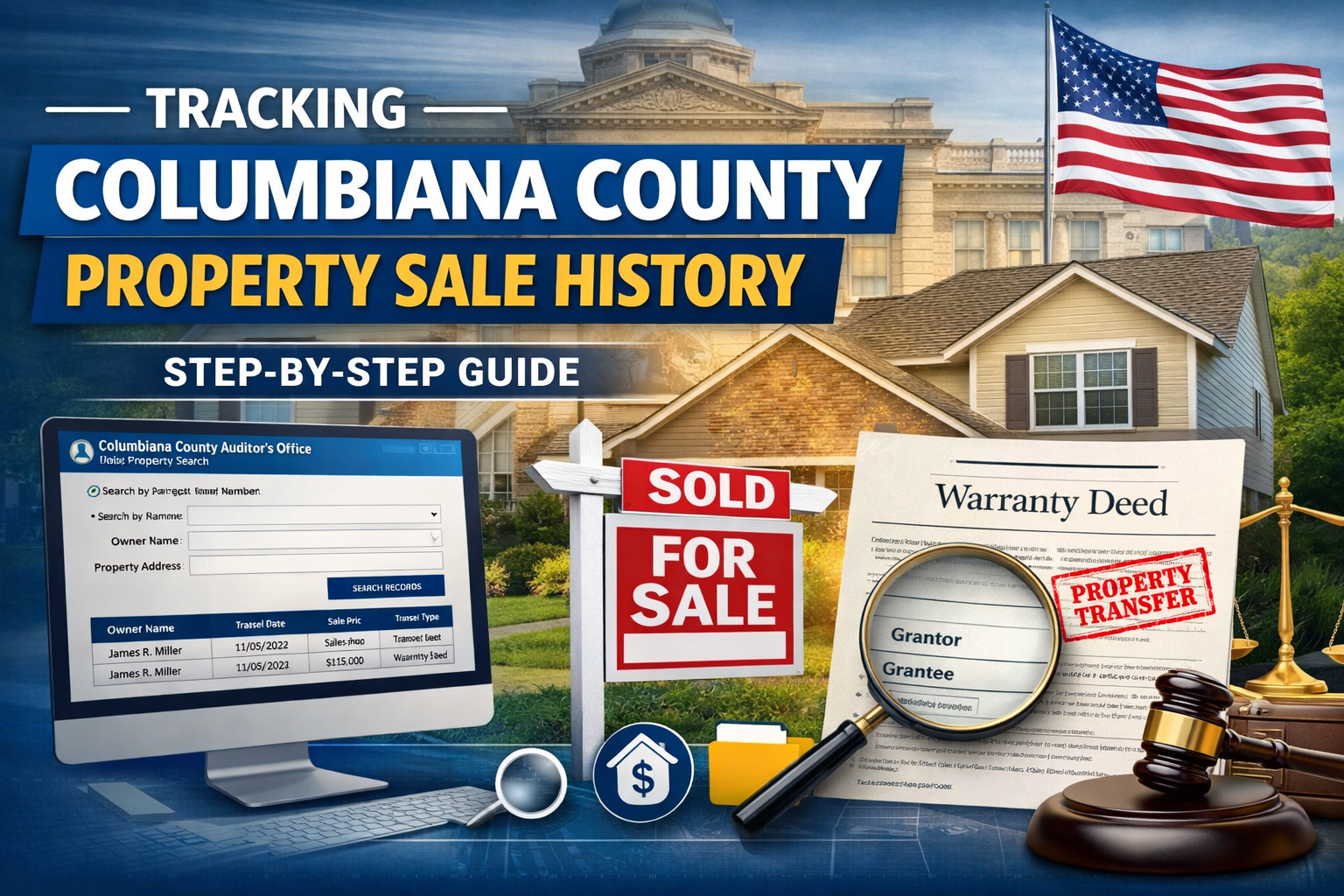
- Carefully review your property record via the Auditor’s online search (by parcel number, address, or owner name) to spot duplicates.
- If you find duplicate entries, contact the Auditor’s Office immediately provide parcel numbers, address, and documents proving correct single ownership/parcel.
- Request the Auditor / Recorder to merge or delete the duplicate entry so only the correct record remains.
10. Wrong Year of Construction or Building Age
What This Mistake Means
If the recorded year of construction is wrong (due to remodels, rebuilds, or clerical error), the assessed value might be incorrect affecting taxes, insurance, and resale valuations.
Why It Happens
Original build date may differ from major remodels; older records may reflect original construction only; updates may not have been submitted.
How to Fix It
- Compile evidence: building permits, renovation records, contractor invoices, or inspection reports showing the true construction/rebuild date.
- Submit documentation to the Auditor’s Office with a request to update construction year.
- Upon verification, the Auditor will adjust the record helping ensure accurate value and assessment.
Contact Information Columbiana County Offices You Should Know
| Office / Role | Address & Phone | Purpose |
| Columbiana County Auditor | 105 South Market Street, Lisbon, OH 44432 Phone: (330) 424-9515 Fax: 330-424-9745 | Property valuation, assessments, tax records, exemptions, corrections, appeals |
| Columbiana County Recorder | 105 South Market Street, Lisbon, OH 44432 Phone: (330) 424-9517 | Recording deeds, ownership transfers, legal documents, correcting recorded records |
| Helpful Online Tools | Auditor’s property search portal (search by address, owner name, parcel number, sales) Recorder’s “PropertyCheck” alert service to get notified for any new recordings on your property name/address/parcel | Use for checking current records, monitoring unauthorized changes or fraud |
Conclusion
Mistakes in property records are common even in established counties like Columbiana. Whether it’s outdated information, clerical errors, or unreported renovations these errors can impact your taxes, property value, and legal standing.By regularly reviewing your record through the Columbiana County Auditor and Recorder, using tools like Property Check, and promptly submitting corrections with proper documentation, you can ensure your property record is accurate and up to date.This proactive approach protects you from overpaying taxes, avoids complications during sales or refinancing, and gives you peace of mind about the legal status of your property.
FAQs
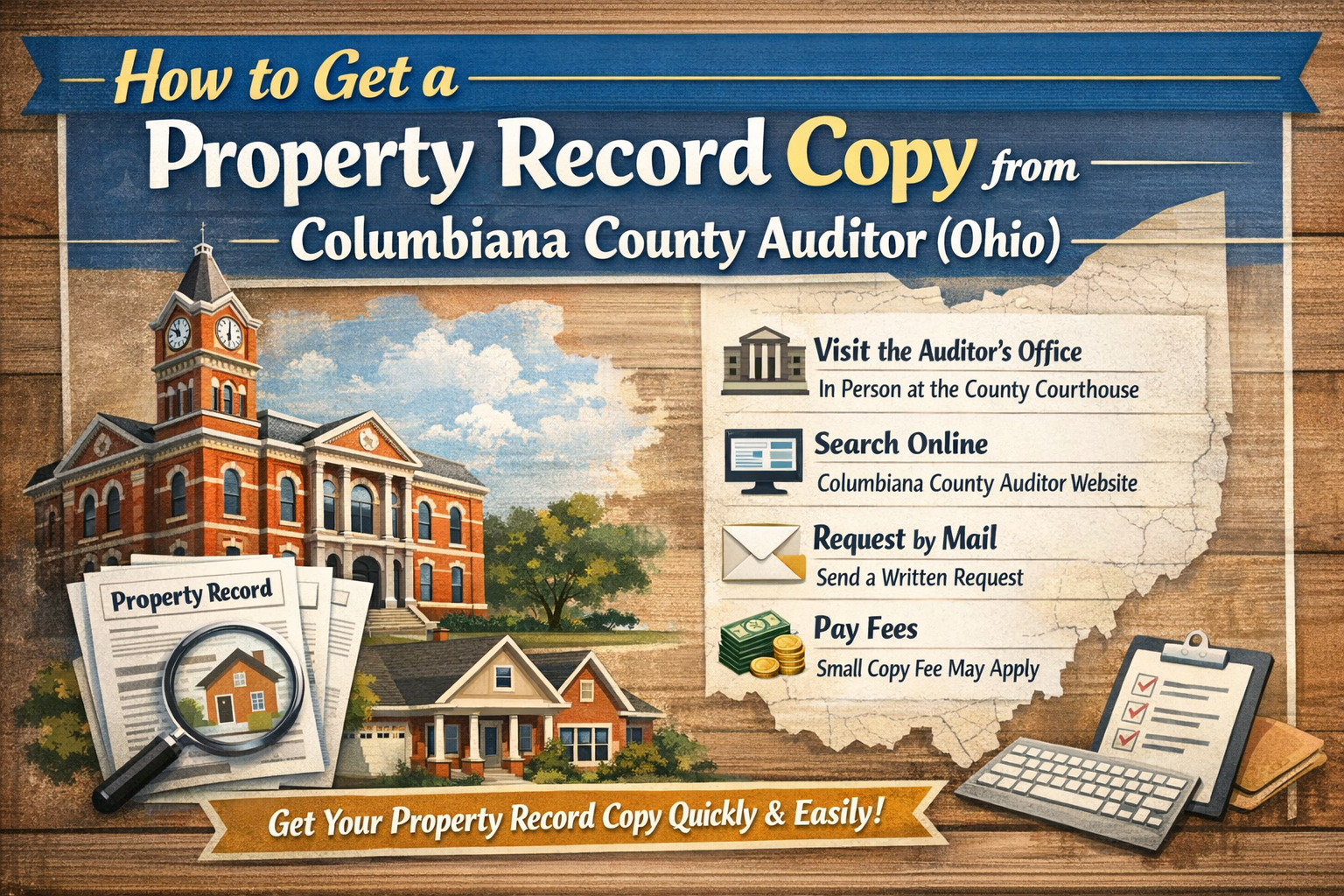
1: How can I look up my property record?
Use the “Property Search” on the Columbiana County Auditor website. You can search by address, owner name, parcel number, or recent sales
2: What if I discover errors in my record who do I contact?
For valuation, improvements, square footage, condition, or tax-exemption issues contact the Auditor’s Office. For ownership/deed related errors contact the Recorder’s Office to record correct documents.
3: Can I sign up to monitor changes to my property to prevent fraud?
Yes. The Recorder’s office offers a free service called Property Check which sends alerts (email or text) when any document is recorded under your name, address, or parcel number.
4: What if I disagree with my property’s appraised value or condition rating?
You can request a review from the Auditor’s Office. Be prepared to provide evidence (photos, inspection reports, renovation documents). For formal challenges you may appeal via the appropriate channels (often including a Board of Revision, depending on the county rules).




Post Comment